
Go to Settings >> Configuration from the navigation bar and click Data Privacy Module.
Click the Delete icon under the Actions column of the concerned request.
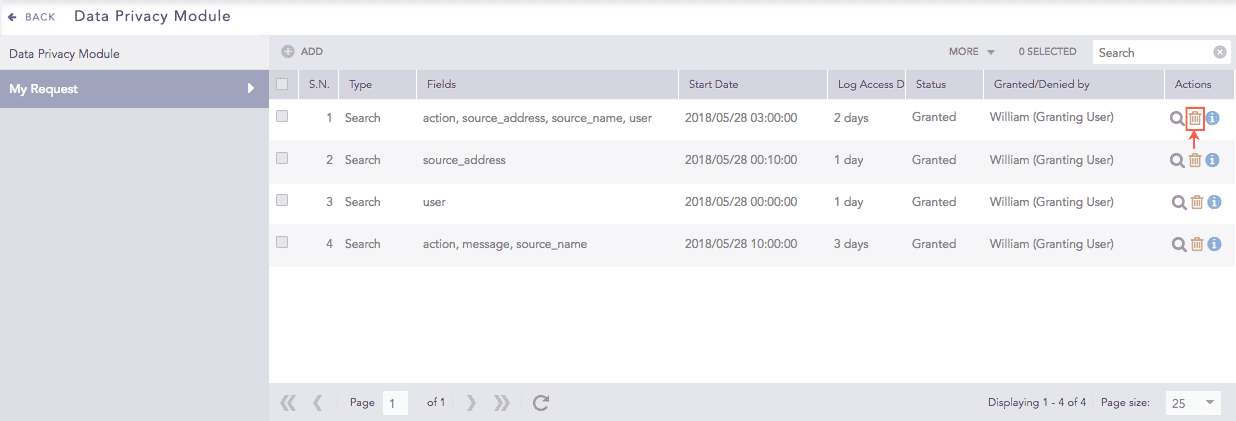
Data Privacy Module Requests
To delete multiple requests, select the concerned packages. Click the More drop-down menu and choose Delete Selected.
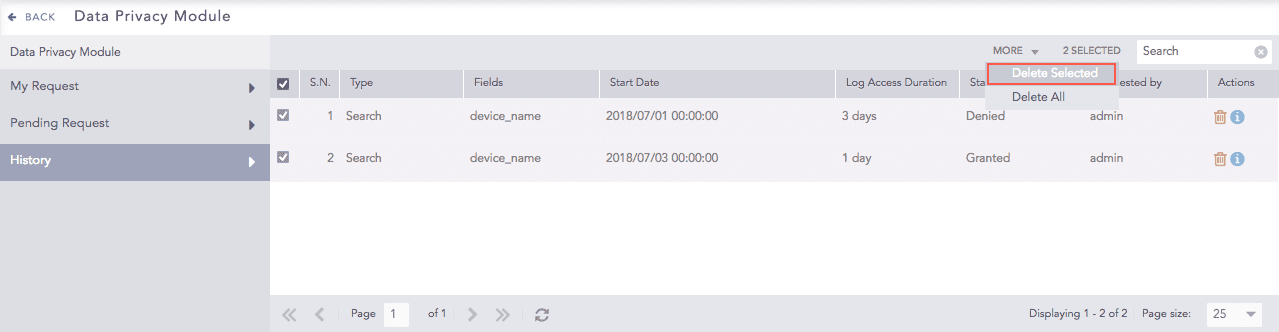
Request History
To delete all the requests, click the More drop-down menu and choose Delete All.
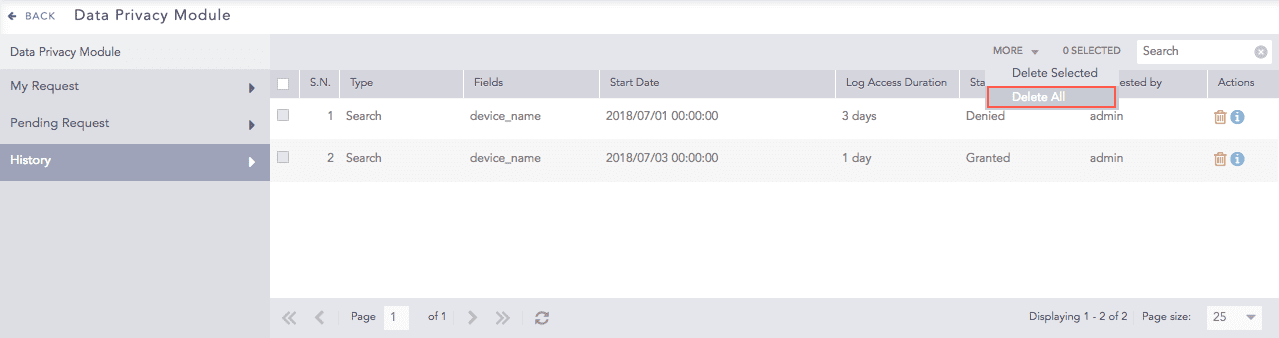
Request History
A delete confirmation dialog box appears on the screen. Click Yes to proceed.